As a terminal user, I’m pretty sure I use cat command daily.
Today I learned about bat, a cat clone with syntax highlighting and Git integration.

Usage
Just add bat before the file/s you want to print
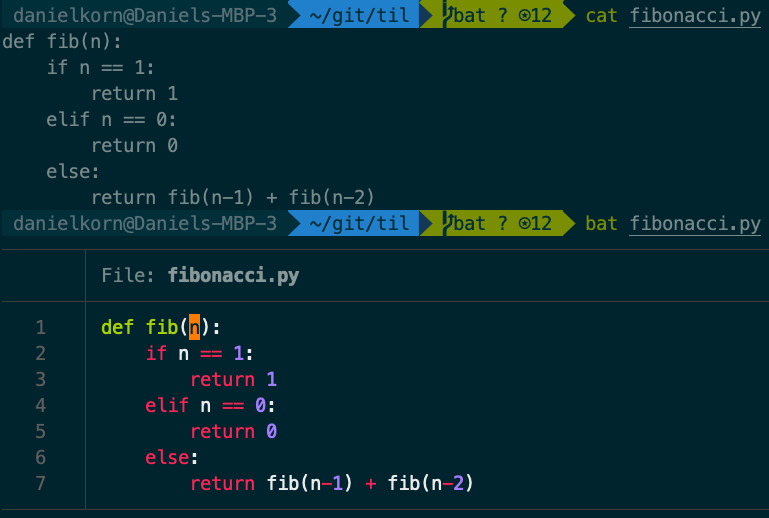
Git integration
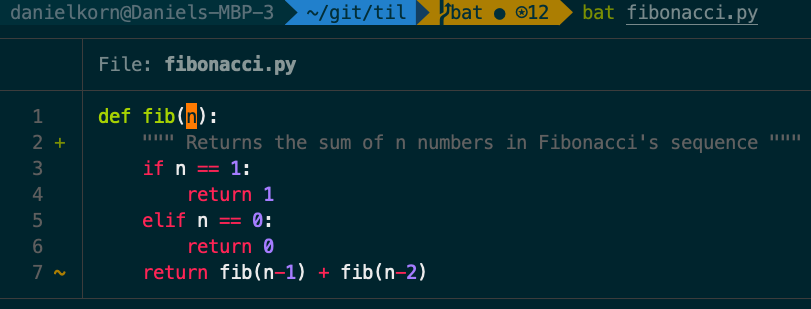
bat supports automatic paging, so if your file is too large for the screen it will automatically
pipe the output to less.
It can read from stdin and automatically determine the syntax, though you can always specify it
explicitly with the -l option.
Installation
on macOS with Homebrew
$ brew install batPro Tips
-
You can choose your favorite theme, out of the available options (
bat --list-themes), using--theme=flag.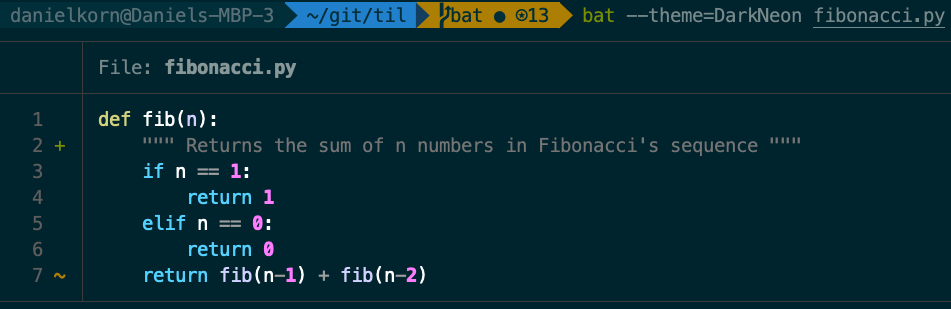
For more advanced configuration, search for the
--styleoption and its possible values. -
Add
-A / --show-allflag to highlight non-printable characters