Once in a few pull-requests, I find myself splitting and redistributing my commits. I always try to divide commits according to logical and related blocks of code, which can be easily reviewed.
This modular separation sometimes results in the need of staging only parts of a changed file, instead of the entire file.
The way to do it properly[1] in git is using git add -p (usually with the specific file path).
From git docs:
This effectively runs add —interactive, but bypasses the initial command menu and directly jumps to the patch subcommand.
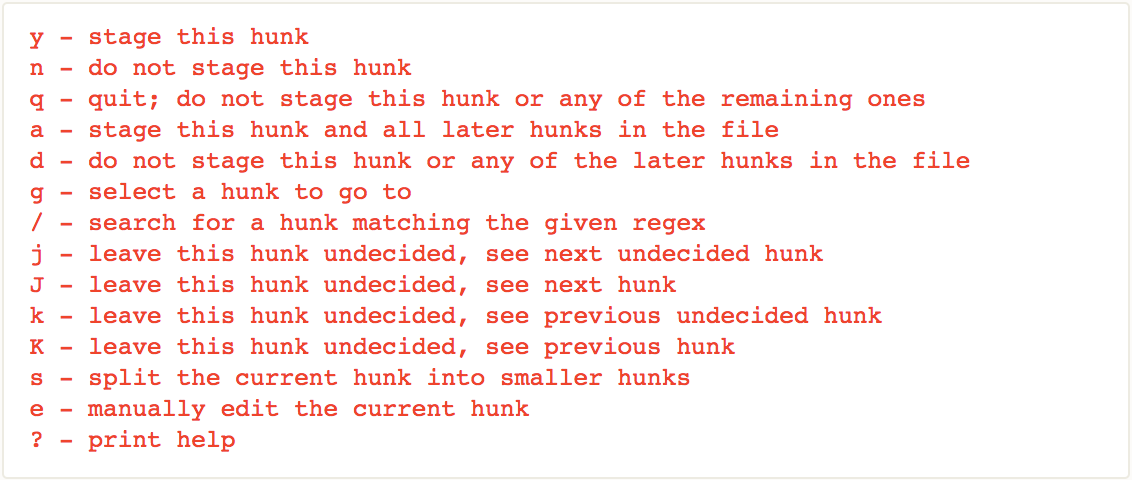
After hitting enter you’ll see part of the diff with a list of available subcommands[2] to choose from:
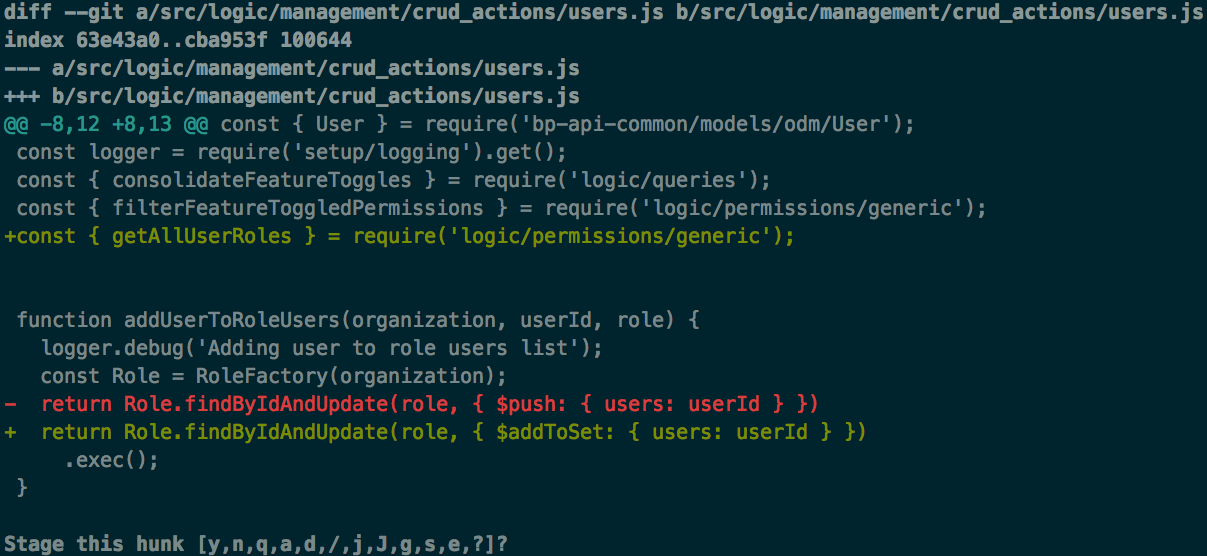
There 3 options I use but keep forgetting, so I thought why not til ‘em?!:
-
y/n- Stage or not stage changes -
s- Split the current diff into smaller chunks you can stage separately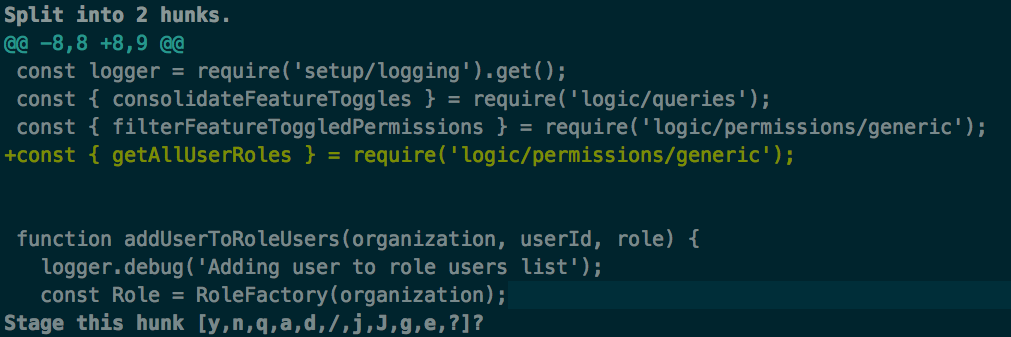
-
e- Manually edit the current diff This is useful when splitting doesn’t solve your problem if you need smaller chunks for example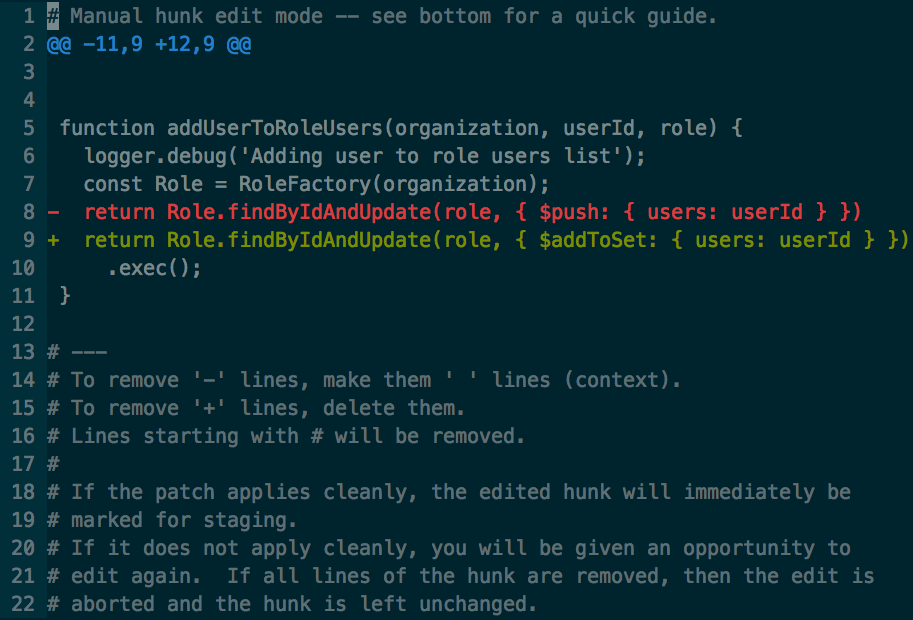
Adding the entire diff is easy as quitting your default editor, not staging lines is the tricky part.
I know, it is written in the commented instructions but still gets me confused:-
not staging a deleted line: change
'-'to' '(space) -
not staging an added line, marked with
'+': delete the entire line (dd)
-
[1] If you’re OK with using a GUI I’d recommend GitHub Desktop, but IMHO knowing the CLI can come in handy.
[2] subcommands details