Today I’ll go straight to the point. Example usage and git stash pro tips to follow.
From Git 2.13 it is finally possible to stash specific files!
$ git stash push <path-to-file> <path-to-second-file> ...I strongly recommend using the option to add a message to the stashed files with [-m|--message <message>]:
$ git stash push -m "New resource endpoint" src/routes/resources.jsThis way you can easily find your stashed changes when looking at the stash list
$ git stash listIts’ output should look something like that (assuming you’ve stashed changes before):
stash@{0}: WIP on feature/role_mgmt_data: 7042fc8 Roles with permissions resources route
stash@{1}: WIP on feature/role_mgmt_data: f6e8689 Roles with permissions resources route
stash@{2}: On feature/role_mgmt_data: New resource endpoint
stash@{3}: WIP on feature/role_mgmt_data: 5e6d751 Roles with permissions resources route
stash@{4}: WIP on feature/role_mgmt_data: dada67c Roles with permissions resources route
And it becomes clear that the changed code you’re looking is stash@{2}:
$ git stash apply stash@{2}Change apply to pop if you also want to remove the stash from your stash stack.
Use Case
As I mentioned before, I tend to split my changes into logical commits.
It helps me organize my thought around the code, but equally important - it helps the reviewers.
After I get a review I create a new commit addressing all comments and suggestions, again to ease the reviewers work, and wait for the approval. Once received, I need to remove this last commit and logically divide the changes into the previous commits.
This is where stashing separately specific files with a message comes to da rescue.
The flow will look much like this:
$ git reset HEAD~
$ git stash push -m "first commit changes" tests/integration/resources.js
$ git stash push -m "third commit changes" src/logic/management/permissions.js
$ git rebase -i HEAD~3
<then I edit commits #1 and #3, using the relevant commit with `git stash pop stash@{<#>}`>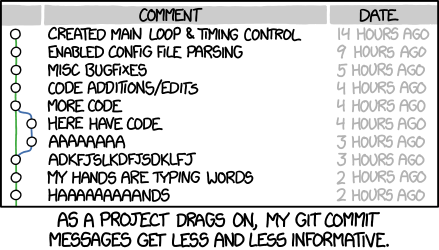
Source: xkcd - Git Commit
Pro Tips
-
Add
[-u|--include-untracked]if you also wanna stash untracked files. -
If you want to create a new branch from your stash, for example if you accidentally made your changes on master:
$ git stash branch <name>It will also remove the stash from the list. If you need a specific stash add its id
stash@{1}. -
To delete a stash from the stack:
$ git stash drop stash@{3}