Docker for Mac is the best way to get started with Docker on a Mac.
Though some versions have a restart button in the dropdown menu, I was looking for a command to restart the service from the terminal.
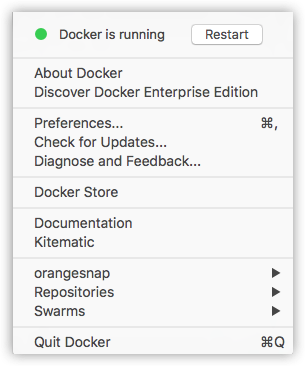
Today I learned how to do it with a combination of two simple commands.
As Docker for Mac is a Mac OS GUI app we can use osascript[1] command to gracefully quit it:
$ osascript -e 'quit app "Docker"'To start the app:
$ open -a DockerPro Tip
Add it as an alias in your .zshrc / .bashrc:
alias docker_restart="osascript -e 'quit app \"Docker\"' && open -a Docker"[1] Read more about osascript